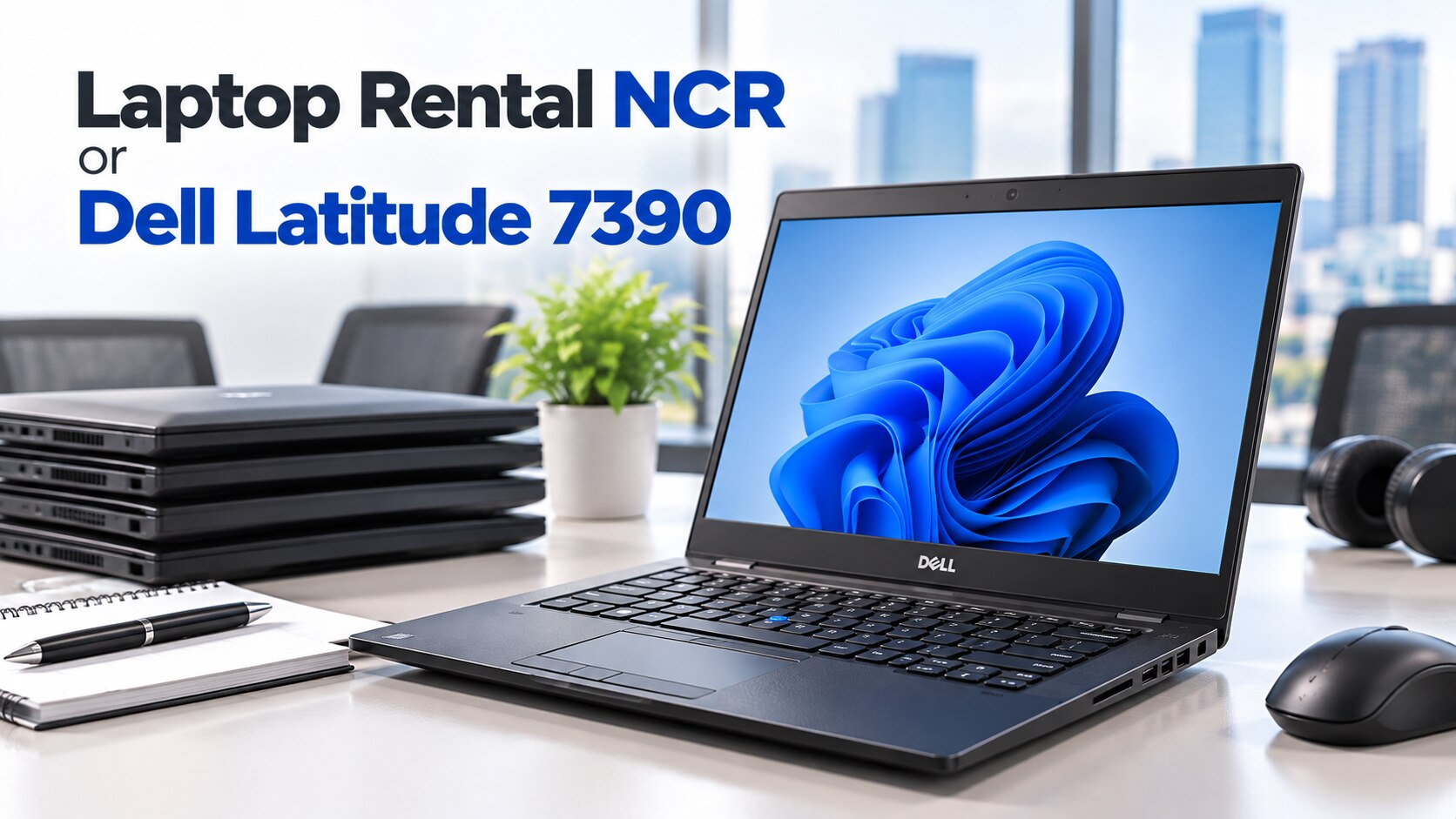
A short office project in Delhi NCR can make a rental look convenient, but the daily rate is only one part of the decision. Compare the project timeline, handover terms, device condition, workload, and what happens to the laptop after the final working day before choosing between rental and purchase.
Key takeaways
- Rent for days or weeks; compare purchase costs when the project lasts months.
- Require dates, damage fees, replacement terms, software access, and support in writing.
- Test battery health, ports, Wi-Fi, webcam, keyboard, display, and charger before acceptance.
- Add setup, transport, software, resale, and reuse costs to every quotation.
Rental or purchase: which fits the project timeline?
A project lasting a few days to a few weeks usually suits rental because you avoid sourcing, configuring, and disposing of a laptop. For a project lasting several months, compare the complete rental quote with the purchase price of a refurbished machine plus setup time, software installation, transport, eventual resale, or reuse by another employee.
| Option | Main advantage | Best fit |
|---|---|---|
| Rental | Fast deployment and no resale work | Days to a few weeks |
| Refurbished purchase | You keep the laptop and control its setup | Several months or repeated projects |
Ask a laptop rental NCR provider whether the minimum booking is one day, seven days, or 30 days. A low daily rate becomes expensive when a 30-day minimum applies. Add every charge before deciding: delivery, pickup, GST, refundable security deposit, insurance, and damage fees.
Rental is useful when you need a fixed number of identical machines quickly, especially with a definite end date. You return the equipment and avoid storage, resale negotiations, and responsibility for an ageing battery.
Buying takes more initial work but gives you control over storage, user accounts, software, upgrades, and data removal. Choose rental when convenience matters more than ownership. Choose a refurbished purchase when the laptop will support repeated projects or remain useful for study, accounting, or general office work.
What a laptop rental NCR agreement must state
A laptop rental NCR deal is a contract, not merely a booking confirmation. Get these points in writing before payment:
1. State the exact start and return dates, minimum rental period, extension rate per day or week, late-return charge, refundable deposit, GST, and identity documents required.
2. Name every delivery and pickup address, and confirm service coverage for Delhi, Noida, Gurugram, Ghaziabad, and Faridabad. Do not assume NCR coverage from a catalogue listing.
3. Record who pays when the charger fails, the battery needs replacement, or the laptop suffers accidental screen damage, liquid damage, theft, or delayed repair. Require a replacement or repair response time in hours, such as four or 24 hours, not “prompt support.”
4. Make the handover sheet record the service tag, supplied charger, cosmetic marks, battery-health result, operating system, and every accessory. Photograph the condition before signing.
5. Ask whether you may install accounting software, browser extensions, VPN clients, printers, and company security tools. Confirm whether removing those programs is your responsibility.
6. Before return, obtain the provider’s data-wiping process and confirm removal of files, browser profiles, saved passwords, and Microsoft or Google accounts.
7. Digidivine IT Solutions is established here as a refurbished-laptop seller, not a confirmed rental provider; ask directly whether it offers rentals and request written terms. A listing alone does not prove delivery, pickup, deposit handling, or rental support.
Related product
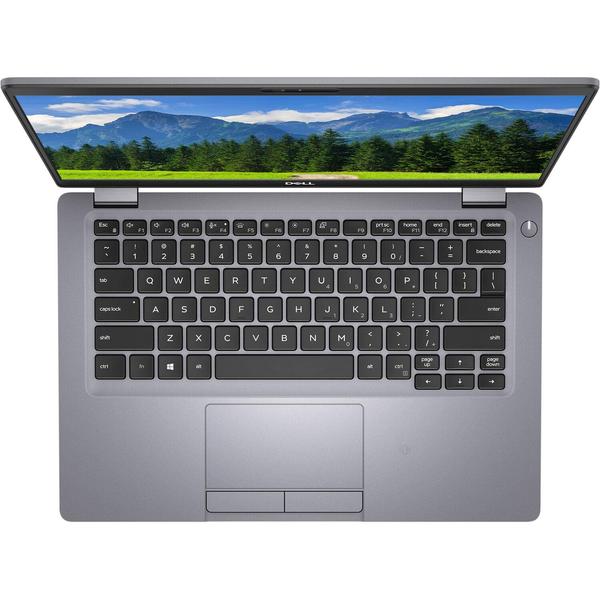
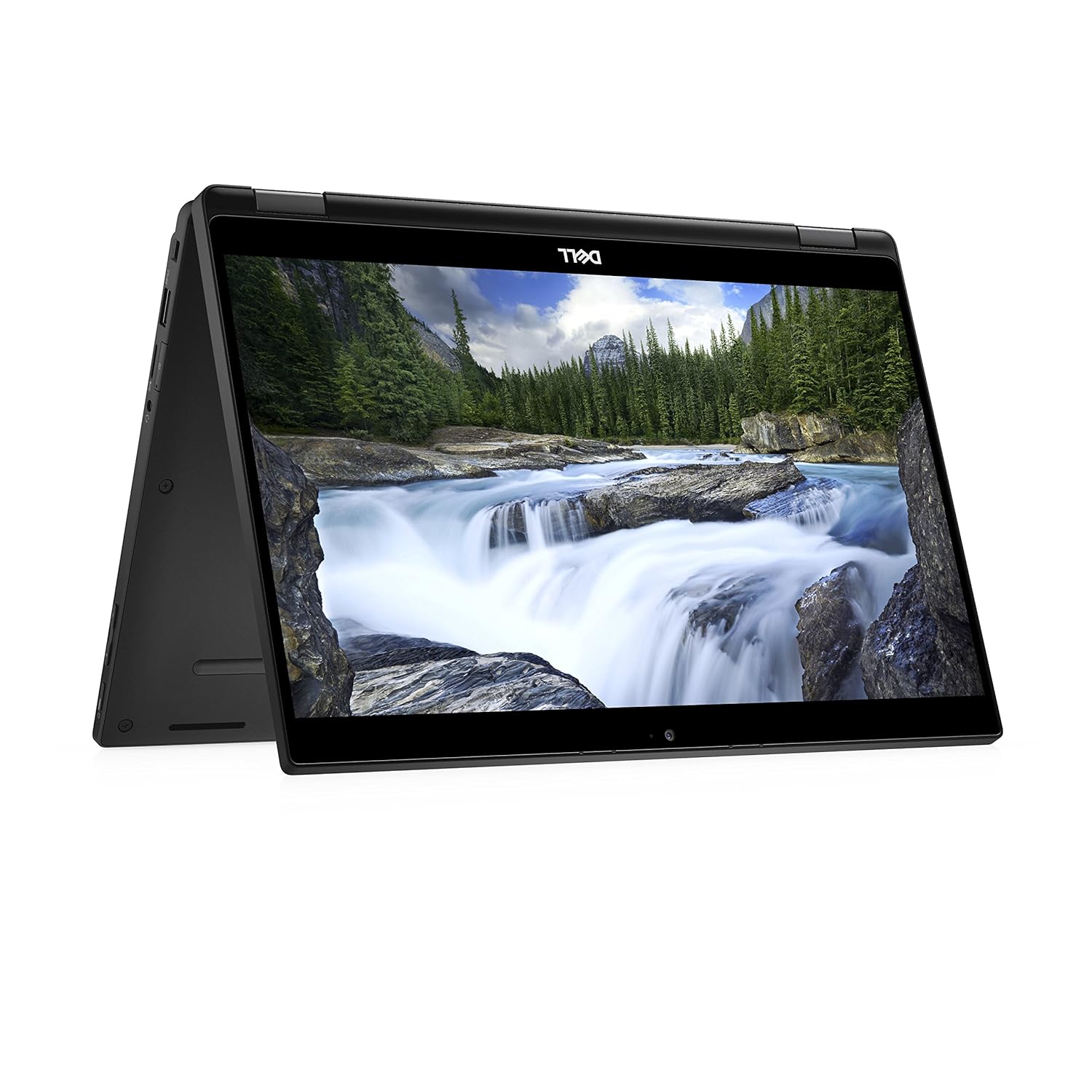 | LAPTOP DELL LATITUDE 7390 2 IN 1 LAPTOP I7 8TH GEN 16GB 256GB SSD (REFURBISHED) ₹79000 The Dell Latitude 7390 2-in-1 Laptop (Refurbished) is a premium, lightweight device perfect for professionals. View product → |
Does the Latitude 7390 match the office workload?
A healthy Dell Latitude 7390 refurbished unit can handle Microsoft Office, Google Workspace, accounting software, browser-based ERP, email, printing, video meetings, and one external monitor. Performance depends on the exact processor, RAM, SSD, battery, ports, and operating-system condition.
Confirm whether the listing is the conventional Latitude 7390 or the separate Latitude 7390 2-in-1. The model name does not prove a 360-degree hinge, touchscreen, or tablet mode. If you are searching for a two in one laptop in delhi, demand photographs and a written specification.
Check these details before accepting the machine:
- Processor generation: the range includes 7th-generation and 8th-generation Intel Core chips. An 8th-generation processor is the safer Windows 11 choice.
- Windows 11 status: run Microsoft PC Health Check and verify TPM 2.0 and Secure Boot. Do not trust a “Windows 11 ready” label.
- Windows edition, activation status, patch level, RAM capacity, SSD type, SSD health, free storage, screen resolution, brightness, and panel type.
- Webcam, microphone, speakers, Wi-Fi, and Bluetooth through an actual test call.
- USB-A ports, USB-C charging, video output, Ethernet or adapter requirements, dock compatibility, and the supplied charger.
- Windows 10 upgrade planning: Microsoft support ended on 14 October 2025, so confirm an upgrade path if Windows 10 remains installed.
A “13-inch display” description is insufficient; check for touch support, bright spots, pressure marks, and the actual resolution. Two units with the same model name can have different screens, ports, storage, and processors.
What to test before accepting a refurbished or rented unit
Inspect the actual laptop before signing the handover sheet. Match its service tag, processor, RAM, SSD, display, operating system, charger, and accessories to the listing; a Dell Latitude 7390 refurbished unit must match the promised configuration.
1. Open Dell BIOS or pre-boot diagnostics and record battery health. Request measured unplugged runtime with several browser tabs and a video call, then generate a Windows battery report if possible.
2. Check SSD SMART health or the manufacturer diagnostic, capacity, free space, and whether the drive is an SSD rather than an unspecified replacement. Type every key and test the trackpad.
3. Connect to Wi-Fi and Bluetooth, make a video call, record playback through the microphone and speakers, print a test page, and connect the planned external monitor. Test every USB port, USB-C charging, sleep, wake, restart, and charger fit.
4. Inspect the display for dead pixels, bright spots, pressure marks, flicker, and uneven backlighting. Move the hinge slowly; reject looseness, cracking, or resistance.
5. For a 2-in-1, touch every part of the screen, rotate through laptop, tablet, tent, and presentation modes, confirm keyboard disablement in tablet mode, check webcam orientation, and test the stylus if promised.
6. Confirm that BIOS administrator passwords, Computrace, Autopilot, and other former-company controls are absent. Reset and activate the device under your account before leaving; a clean Windows desktop does not prove remote management is gone.
Calculate the real cost before making the final choice
Build a side-by-side project worksheet; comparing a rental rate with a purchase price alone hides the real bill.
| Option | Add to worksheet | Cost risk |
|---|---|---|
| Rental | Every billed day, minimum booking period, deposit lock-up, delivery, pickup, GST, extension days and late fees | A low daily rate becomes expensive when dates slip |
| Rental | Permitted software, charger, repair or replacement response time, and downtime cost | Restrictions or slow replacement can stop the project |
| Purchase | Travel or courier time, Windows and application setup, user accounts, printer and VPN testing | Configuration work consumes staff time |
| Purchase | Data migration and post-project wiping | Resale or reuse takes effort, but the laptop retains value |
Record these terms in writing: warranty duration, return-window duration, exclusions, replacement-part policy, and battery coverage. “Renewed” does not define battery capacity, cosmetic grade, replacement parts, or manufacturer warranty.
For a multi-month project, a Dell Latitude 7390 refurbished machine with verified 8th-generation hardware, a healthy SSD, acceptable battery life, and a written return policy can require less effort than repeated rental extensions. Include storage, resale negotiation, and responsibility for an ageing battery in the ownership calculation; rental avoids those tasks after return.
For a short deployment with uncertain dates, laptop rental NCR is the better choice when the provider confirms delivery, pickup, replacement response, permitted software, and data deletion. Choose the option whose total cost and exit process you can document.
Frequently asked questions
When should you rent a laptop in NCR instead of buying one?
Rent for projects lasting a few days to a few weeks. For projects lasting several months, compare the complete rental quote with a refurbished purchase and its setup, transport, software, resale, or reuse costs.
What must a laptop rental NCR agreement include?
The agreement should state the rental period, payment schedule, security deposit, included accessories, software responsibility, damage fees, replacement process, technical support, delivery terms, and return condition.
Is the Dell Latitude 7390 suitable for short-term office work?
It suits documents, email, browser-based systems, accounting software, video meetings, and spreadsheets when its processor, RAM, storage, battery, webcam, and ports meet your workload.
What should you test before accepting a refurbished Dell Latitude 7390?
Check the battery, display, keyboard, touchpad, webcam, microphone, speakers, USB ports, HDMI, Wi-Fi, Bluetooth, charger, storage health, and operating-system activation.
Keywords