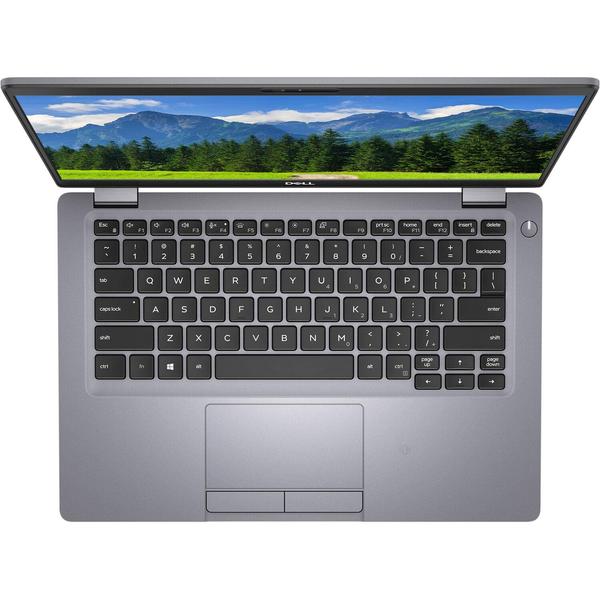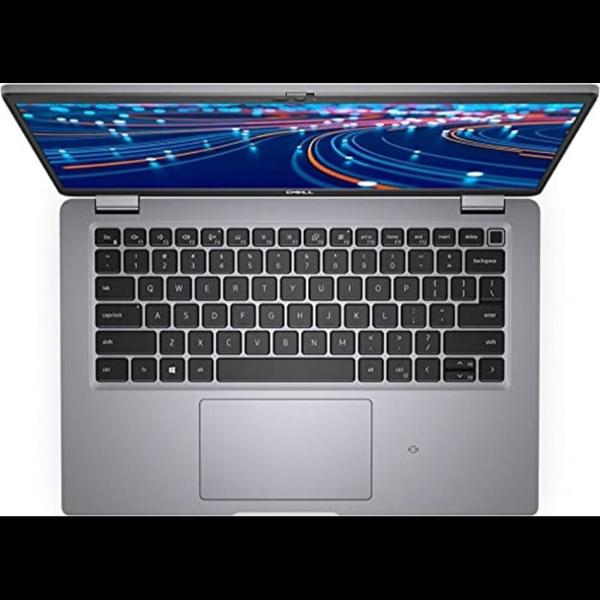
Online classes place more demand on a laptop than a single video call: you may need a browser classroom, PDF textbook, shared screen, office document and notes open together. By comparing the Latitude 5310 Touch and 5420 Touch, checking the exact refurbished configuration and testing the battery, screen and ports, you can choose a student laptop that fits your study routine rather than relying on the model name alone.
Key takeaways
- Choose RAM and workspace based on your classes, meetings and multitasking.
- Confirm the exact Latitude model, RAM, SSD, display and operating system before ordering.
- Test touch accuracy, webcam, microphone, ports, hinges and battery before accepting delivery.
- Compare battery health, warranty terms, return windows and seller support—not just the Core i5 label.
Which Latitude Touch model fits your online-learning workload?
Your workload decides the better Latitude: browser classrooms, Google Meet or Microsoft Teams, PDF textbooks, Google Docs or Microsoft Office, screen sharing and simultaneous notes reward RAM and working space more than a Core i5 label alone.
| Model | Best fit | Trade-offs |
|---|---|---|
| Dell Latitude 5310 Touch | Lighter documents, calls and portability | 13.3-inch screen; 10th-generation Intel Core processors; easier to carry between home, college and coaching classes |
| Dell Latitude 5420 Touch | Longer multitasking sessions, larger PDFs and greater upgrade flexibility | 14-inch screen; 11th-generation Intel Core processors; more multitasking headroom and working area |
The 5420 gives a browser, meeting window, PDF and notes window more room without constant resizing. Its keyboard may also feel less cramped for long assignments, while the 5310 remains attractive when bag space matters.
Both models can offer a suitable webcam for calls, but camera resolution and microphone quality vary by unit. Port layouts also vary: confirm HDMI, USB-A, USB-C charging and USB-C DisplayPort support rather than assuming every refurbished machine has them. A USB-C port that handles data may not charge.
A Dell Latitude 5310 Touch refurbished is not automatically the better travel choice because an older battery can reduce real portability more than its smaller chassis improves it. A Dell Latitude 5420 Touch refurbished suits sustained classes, screen sharing and heavier documents, especially when its two memory sockets provide more upgrade flexibility.
Confirm the precise CPU, installed RAM and SSD for the individual unit before paying; catalogue rows do not guarantee matching hardware.
What does touchscreen add to studying, and is it a true 2-in-1?
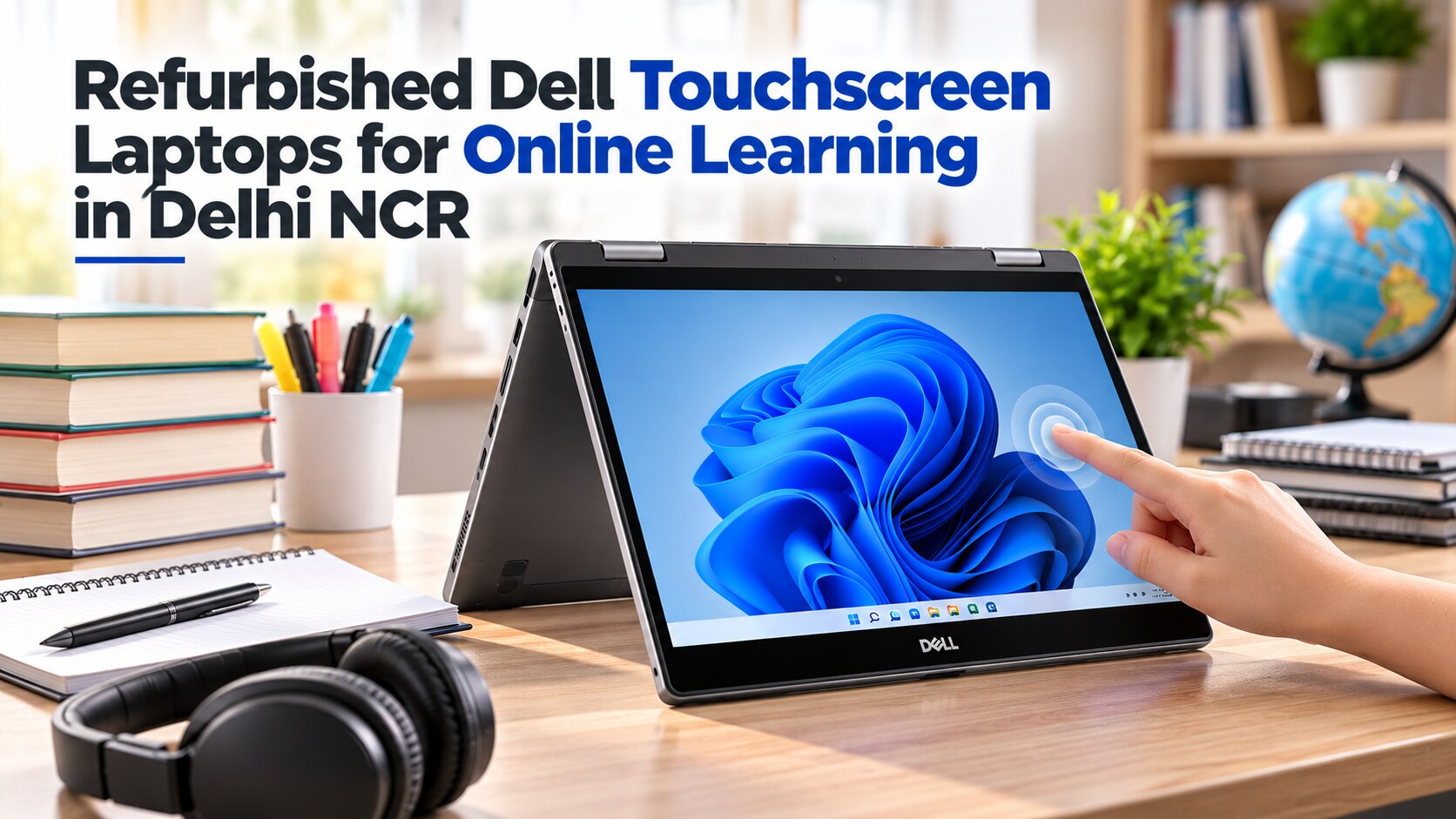
A touchscreen Latitude accepts finger taps, but it is not automatically a tablet or a true 2-in-1.
| Option | What it means | What to confirm |
|---|---|---|
| Touchscreen laptop | Finger input on the display; the lid remains a conventional laptop hinge | Touch is listed for the exact unit |
| Convertible 2-in-1 | The screen folds back, usually through a 360-degree hinge, for tablet mode | Hinge movement and tablet-mode operation |
| Active-pen model | A digitizer and supported pen protocol enable pressure-sensitive writing | Compatible pen included and supported by that display |
Before paying for handwritten annotation, ask whether the screen folds back, whether a digitizer and pen protocol are installed, and whether the compatible pen is included. A refurbished Dell may accept taps while lacking every feature needed for pen notes.
Touch helps you scroll lecture notes, zoom PDF pages, tap quiz controls, and mark documents with a finger or supported stylus. The keyboard remains faster for typing assignments and long citations; a mouse speeds spreadsheet entry, while an external monitor helps compare multiple windows.
For multi-hour classes, request the exact resolution, brightness, viewing angles, and anti-glare treatment. Touch capability does not prove Full HD quality, high brightness, or outdoor readability. A glossy panel can reflect a bright Delhi room, making a lecture tiring even when the touch layer works.
How do you verify the exact refurbished configuration before ordering?
A catalogue row, model number or “Core i5” label cannot identify the machine you will receive. Latitude 5310 and Latitude 5420 units can have different CPUs, RAM, SSDs, display assemblies and batteries, so ask for the exact service tag before ordering refurbished Dell touchscreen laptops in Delhi NCR.
| Evidence | What it does not prove | What to confirm |
|---|---|---|
| Catalogue row | Exact installed parts | Service-tag specification |
| “Core i5” | Generation, RAM or SSD | Returned CPU, RAM and SSD |
| Latitude 5420 or 5310 | Touch, resolution or brightness | Original display type and support history |
Enter the service tag in Dell Support and compare its CPU, original display type and support history with the seller’s row. Browser tabs, a video meeting, PDF textbooks and Office together need adequate RAM more than an impressive processor label.
- Confirm installed RAM and SSD in Windows; do not assume another 5420 or 5310 listing matches it.
- Require the listing to say “touch.” Check the Windows touch device in Device Manager or request a video showing taps across the panel.
- Ask whether USB-C supports charging and DisplayPort, then test it with a compatible charger or dock. A data-only or damaged port can still let the laptop boot.
- Enter BIOS and confirm that no unknown administrator password blocks settings or boot changes. Check Windows for former-employer organization management.
- Run Microsoft PC Health Check and confirm TPM 2.0, UEFI and Secure Boot for Windows 11 readiness.
For a Latitude 5420 or 5310 in Delhi, these checks matter more than the catalogue title.
What should you test on a refurbished touchscreen before accepting it?
Do not accept a Dell Latitude 5420 Touch refurbished or Dell Latitude 5310 Touch refurbished unit after a boot test alone. Use this checkout procedure:
1. Open full-screen white, grey and dark images. Look for cracks, lifting glass, dead pixels, uneven brightness and marks that distract from text or video.
2. Tap a grid across the centre, all four corners and every edge. Watch for dead zones, intermittent input and ghost touches that register without contact.
3. Open and close the hinge slowly. Reject looseness, grinding, excessive screen wobble or resistance that changes during movement.
4. Press every keyboard key, test both trackpad clicks and inspect visible keyboard wear. A shiny, flattened space bar can reveal heavier use than the casing suggests.
5. Record yourself in the conferencing application while testing the camera and microphone. Check that the webcam image stays stable and that speech has no crackle or very low volume; then play audio through the speakers.
6. Join a sustained video call on Wi-Fi. During it, test Bluetooth, every USB-A port, USB-C data and charging, HDMI and the supplied charger.
7. Request written terms for the dead-pixel policy, touch-panel defects, charger inclusion, return period and warranty. “Renewed,” “refurbished” and “open-box” describe different inspection levels, so the written condition policy matters more than the label.
How should you judge battery age, price and seller protection in Delhi NCR?
A Latitude model number cannot reveal battery condition: refurbished Dell touchscreen laptops NCR, Latitude 5420 and 5310 in Delhi may contain batteries with very different ages. Ask for a Windows battery-report file or Dell pre-boot diagnostic result showing design capacity, full-charge capacity and cycle count. Compare full-charge capacity with design capacity; “battery tested” is incomplete.
Battery cycles record completed charge-and-discharge equivalents, not the number of times you connected the charger. A weak battery still suits a student who studies beside a socket, but replace it only when the battery, installation and expected laptop life cost less than buying a newer machine.
| Evidence | Accept | Red flag |
|---|---|---|
| Battery | Written capacities, cycles and runtime evidence | “Battery tested” without figures |
| Price | Compare laptop, battery, charger and likely repair cost | Low price with omitted protection |
| Protection | Written return period, warranty and defect terms | Verbal promises only |
In Delhi NCR, keep the correct Dell-rated charger at your desk and use a surge-protected outlet. Continuous plugged-in use is a practical compromise, not proof of healthy battery life. Ask Digidivine IT Solutions for the exact service-tag configuration, battery evidence, touch test, charger details, return terms and warranty before committing in Patparganj Industrial Area.
- Accept only after checking CPU, RAM, SSD, display, touch, battery, ports and written protection.
Related products
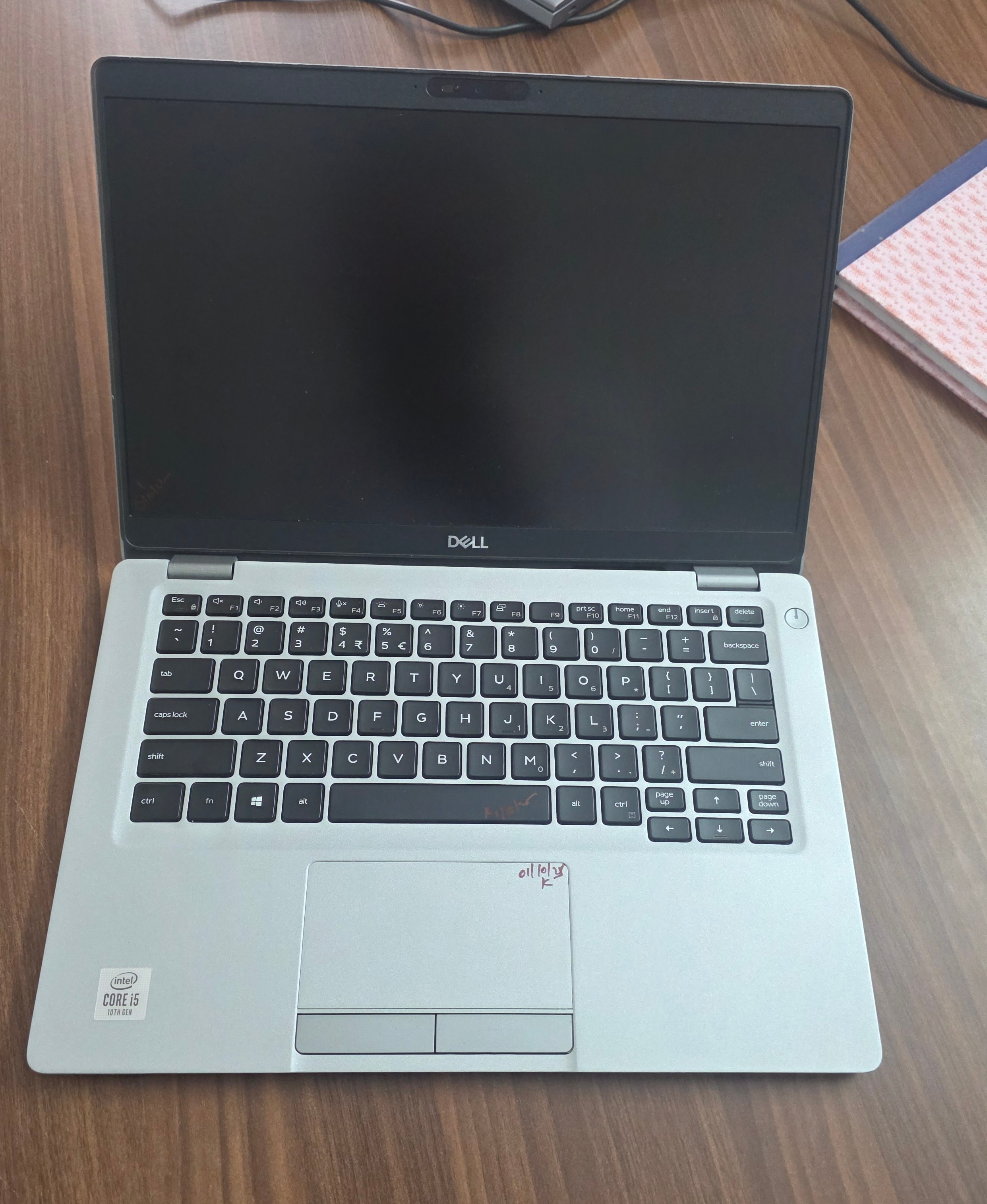 | Laptop Dell Latitude 5310 Touch i5 10th Gen 16GB RAM 256GB SSD (Refurbished) ₹99999 Upgrade your work experience with the Dell Latitude 5310 Touch Refurbished Laptop, a reliable and powerful machine from Dell’s premium Latitude... View product → |
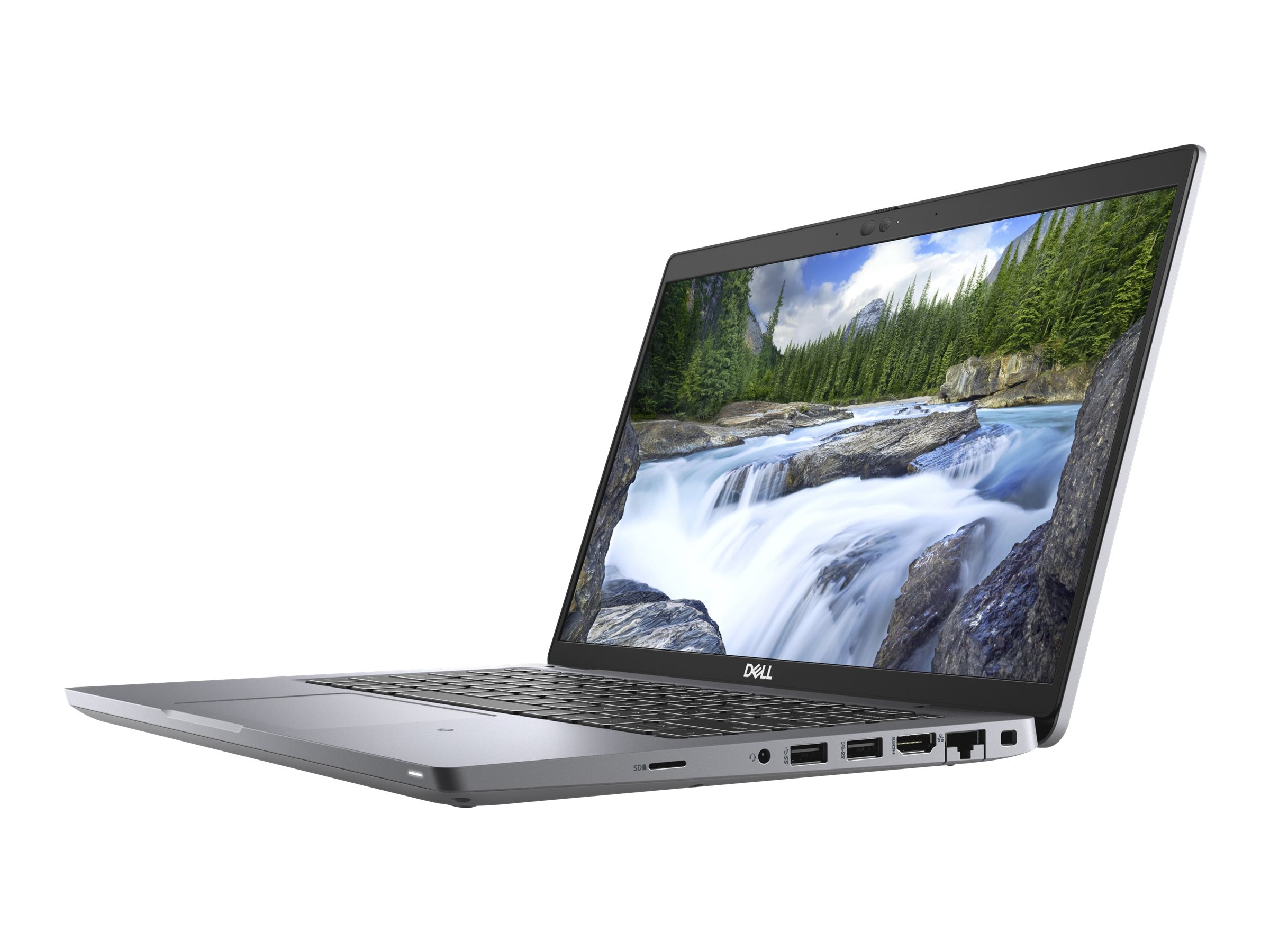 | LAPTOP DELL LATITUDE 5420 TOUCH I7 11TH GEN 8GB 256GB SSD ₹136999 🔥 **Refurbished Dell Latitude 5420 – High-Performance Business Laptop at the Best Price!** 💻 Upgrade to the Refurbished Dell Latitude 5420, a... View product → |
Frequently asked questions
Which Dell Latitude Touch model fits online learning?
Choose based on your workload: browser classes and documents need adequate RAM and SSD space, while frequent meetings, screen sharing and simultaneous notes benefit from stronger multitasking capacity. Compare the Latitude 5310 and 5420 configuration rather than relying on the Core i5 name alone.
What does a touchscreen add to studying, and is every model a 2-in-1?
A touchscreen helps with scrolling, annotating PDFs, tapping classroom controls and handwriting when supported. Check the hinge design and exact model specification: a touchscreen laptop is not automatically a 2-in-1 convertible.
How can you verify a refurbished Dell Latitude configuration before ordering?
Ask for the exact model number, processor generation, RAM capacity, SSD capacity, display resolution, touchscreen confirmation, operating system and battery condition. Match those details against Windows System Information or BIOS photos supplied by the seller.
What should you test on a refurbished touchscreen laptop?
Test touch accuracy across the entire display, webcam, microphone, speakers, Wi-Fi, keyboard, trackpad, USB ports, HDMI, charging, hinges and battery runtime. Check for dead pixels, bright spots, cracks and uneven backlight.
How should you judge battery age, price and seller protection in Delhi NCR?
Compare battery health or full-charge capacity, warranty length, return window, invoice, replacement terms and local support alongside the price. A lower price is less attractive when the battery is weak or the seller will not accept a defective unit.
Related products
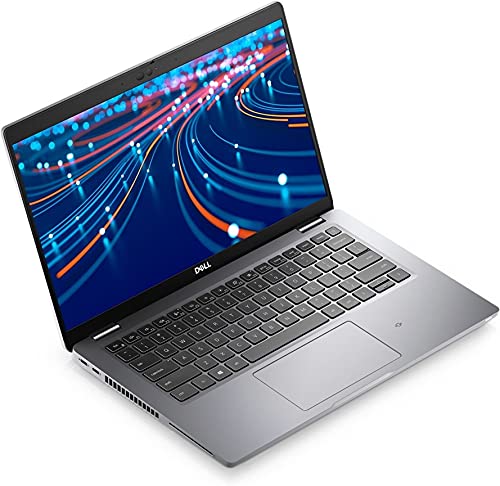 | LAPTOP Dell Latitude 5420 i5 11th 8GB 256GB Screen (Refurbished) ₹110000 Dell Latitude 5420 – Intel Core i5 11th Gen | 16GB RAM | 512GB SSD | Touch Screen (Refurbished) Upgrade your productivity with the powerful and sleek... View product → |
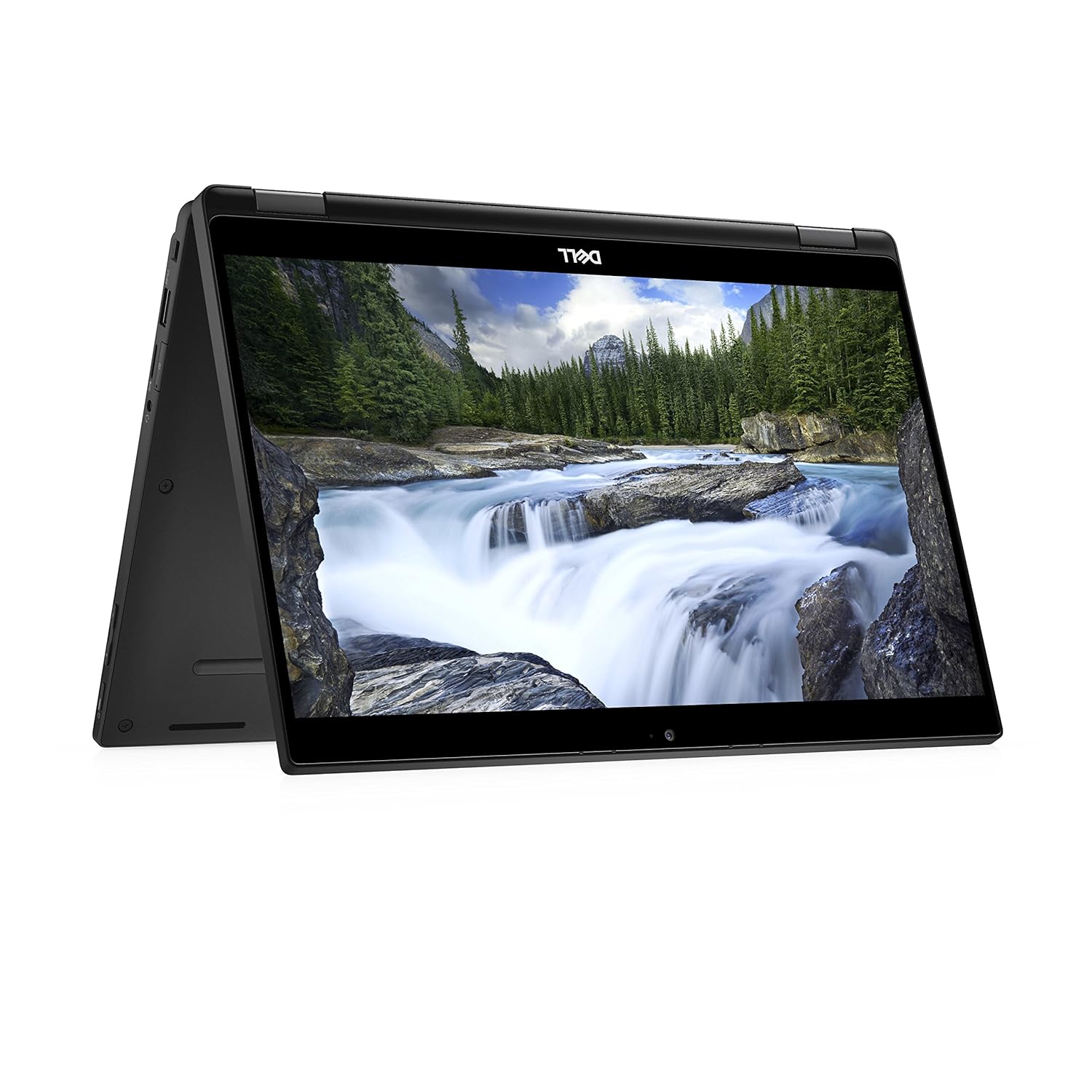 | LAPTOP DELL LATITUDE 7390 2 IN 1 LAPTOP I7 8TH GEN 16GB 256GB SSD (REFURBISHED) ₹79000 The Dell Latitude 7390 2-in-1 Laptop (Refurbished) is a premium, lightweight device perfect for professionals. View product → |
Keywords