A Latitude 5420 screen listing is incomplete without its native resolution, touch type, panel condition, and compatibility details. By the end, you will know how to compare HD and Full HD panels, test a used display, decide whether touch suits your work, and obtain written protection for the unit or replacement part you buy.
Key takeaways
- Confirm whether the panel is 1366×768 HD or 1920×1080 Full HD.
- Check touch response, dead pixels, brightness, hinges and display cable before acceptance.
- Match the replacement using connector, mounting points, resolution and touch hardware.
- Get panel specifications, testing terms and warranty coverage written on the Delhi quotation.
Which Latitude 5420 screen configuration are you actually buying?
A Latitude 5420 uses a 14-inch display, but “screen” does not identify the configuration. Confirm the native resolution, panel type, brightness rating, viewing angles, anti-glare or glossy finish, colour coverage, and refresh rate for each unit. The two common resolutions are 1366×768 HD and 1920×1080 Full HD.
| Configuration | Confirm before ordering | What it changes |
|---|---|---|
| HD non-touch | 1366×768, panel type, brightness, finish, refresh rate | Lower workspace and detail |
| Full HD non-touch | 1920×1080, panel type, brightness, finish, colour coverage | Sharper text and more usable workspace |
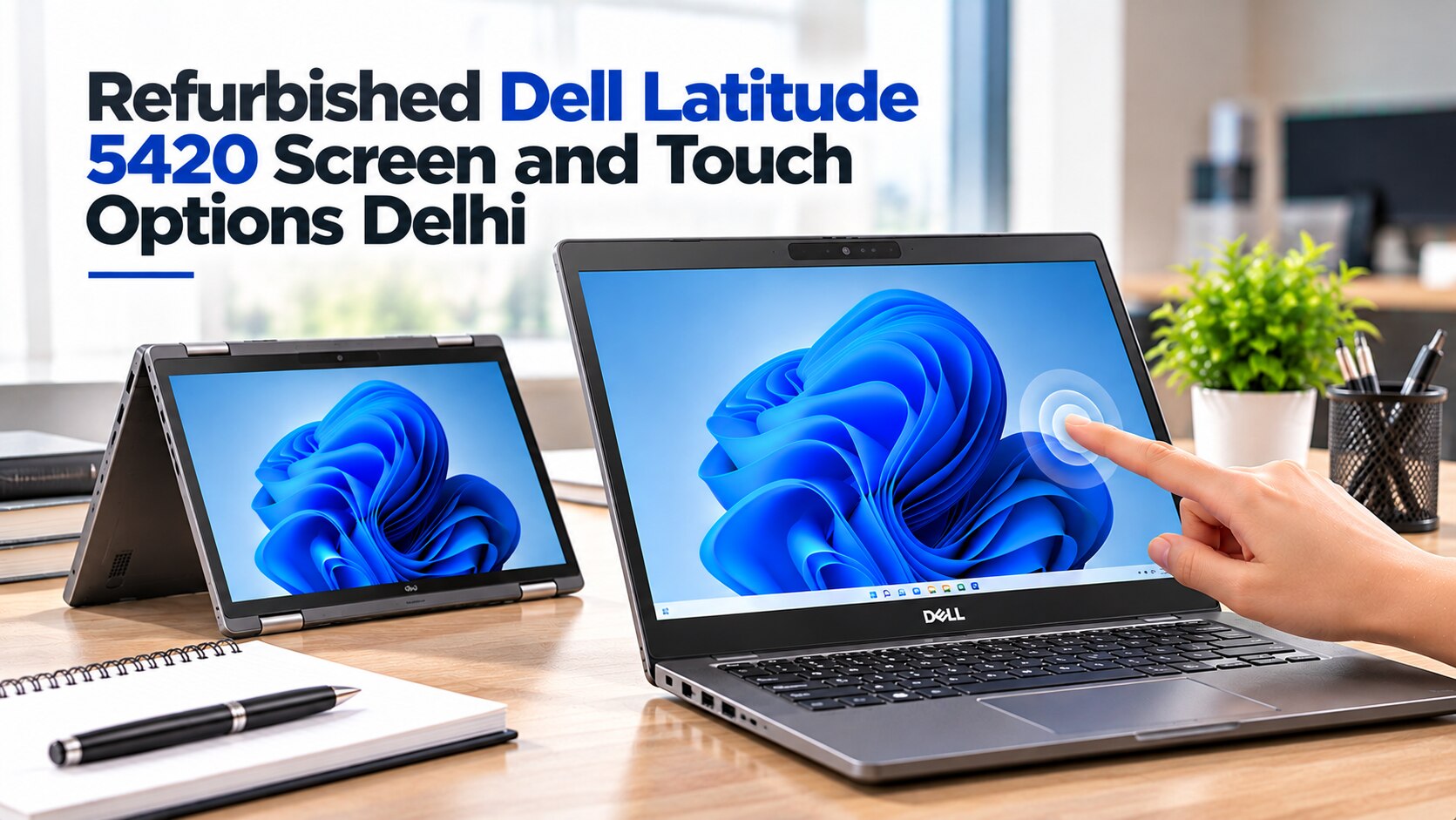
| Touch assembly | Resolution, capacitive digitiser, cable, bezel, pen support | Finger input, reflections, and different parts |
An i5 listing and an i7 listing cannot prove either a different or identical panel; Dell paired several displays with both processors. Use the service tag and exact Dell part number to verify the factory configuration, then inspect the actual machine because a previous replacement may differ.
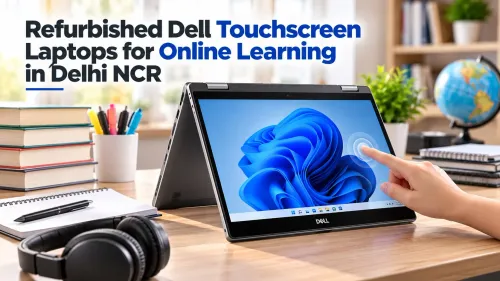
A standard non-touch panel has no digitiser. A touch assembly adds a capacitive layer, and 10-point finger touch does not prove active-pen support. Ask whether panel choice is available before ordering.
Your refurbished dell latitude 5420 screen in delhi quotation should state:
- Native resolution, touch status, surface finish, and brightness information
- Whether the part is original, pulled, repaired, or a compatible replacement
- The exact Dell part number and service-tag match
- Whether you are buying a panel alone, LCD assembly, or dell latitude 5420 refurbished laptop
Is the Latitude 5420 touch display worth choosing for your work?
Touch is worth choosing when you will frequently interact directly with the display rather than treating it as a viewing surface.
| Option | Best for | Trade-offs |
|---|---|---|
| Touch display | Scrolling, signing, annotating documents, counter or kiosk work, field forms, and quick navigation | Glossy surfaces show fingerprints and reflect windows; accidental touches interrupt work; the assembly adds weight and may reduce battery runtime |
| Matte non-touch panel | Long spreadsheet sessions, reading near bright windows, and sustained keyboard-and-mouse work | No direct signing, handwriting, or finger navigation; less useful for forms designed around touch |
Choose touch if those direct interactions happen every day. Clean fingerprints with a microfibre cloth and screen-safe cleaner; paper towels and household glass cleaner can damage the surface or leave grit behind. A glossy panel becomes irritating when overhead lights or a bright window sit behind you.
Choose non-touch when glare, battery life, and long keyboard-and-mouse sessions matter more. If you never touch the display, paying for the digitiser adds compromises without improving ownership.
Do not infer active-pen support from “touch screen” or “10-point touch.” Ordinary capacitive touch recognises fingers but does not guarantee pressure sensitivity, palm rejection, or stylus input. Ask whether the fitted digitiser supports an active pen and which pen standard it accepts before buying a dell latitude touch screen laptop.
How do you test a refurbished Latitude 5420 display before accepting it?
Accept the refurbished Dell Latitude 5420 only after testing the complete laptop, not just viewing a seller’s screenshot.
1. Hold D and press the power button to start Dell’s LCD self-test, when supported by that model. The display should cycle through solid colours without flicker, missing sections, or obvious brightness changes.
2. Open full-screen white, black, red, green, and blue backgrounds. Check white for yellow tint and uneven illumination, black for backlight bleed, and every colour for dead or stuck pixels, bright spots, and pressure marks.
3. Set brightness to minimum and maximum while viewing both a white page and a dark image. Inspect the screen from left, right, above, and below; weak backlighting, narrow viewing angles, or brightness shifts become easier to spot this way.
4. Examine the physical display under direct light. Look for keyboard marks, scratches, dents, bezel damage, discolouration, and cracks around the webcam bezel. A lifting bezel can signal damaged clips, adhesive, or deeper display damage.
5. On touch models, draw a slow grid across the centre, edges, and all four corners. Record missed touches, ghost touches, or an unresponsive strip, then test palm rejection and stylus input if pen support is claimed; 10-point finger touch alone does not prove active-pen compatibility.
6. Open and close the lid through its full range. Watch for flicker, cable strain, changing brightness, or a bezel that lifts as the hinge moves. Stop the inspection if movement changes the image.
When is a screen replacement compatible with the 5420?
A replacement fits a Latitude 5420 only when its display connector, cable, mounting points, bezel, hinges, rear cover, and touch digitiser match the machine. A 14-inch panel alone proves nothing. Confirm the service tag and exact Dell part number before ordering a screen replacement instead of a complete refurbished Dell Latitude 5420.
| Option | Parts and work | Best choice |
|---|---|---|
| Panel-only repair | Lower parts cost, but the technician must separate the old display, control dust, and rebuild it without pressure marks | The bezel, cable, hinges, and digitiser are undamaged |
| Complete LCD assembly | Costs more, but supplies matched surrounding display components | The old bezel, cable, hinges, or digitiser is cracked, stretched, or faulty |
Converting a non-touch machine to touch is not a simple panel swap. Touch versions can require a different cable, bezel, hinges, rear cover, and capacitive digitiser, so verify the factory configuration and replacement part number first.
Before accepting either option, require a written condition grade that states:
- Scratches and dents on the panel, bezel, and rear cover
- Keyboard marks, discolouration, and cosmetic damage
- Dead-pixel tolerance and the procedure for reporting pixels
- Whether the part is an original, pulled, repaired, or compatible replacement
- Warranty coverage for flicker, cable faults, touch failure, and backlight defects
What should a Delhi quotation and warranty state?
For anyone buying a refurbished Dell Latitude 5420 screen in Delhi, the quotation must state exactly what the price buys: the complete laptop, a panel only, or a complete LCD assembly. Do not accept “screen” as the description.
| Option | What the price includes | Checks to record |
|---|---|---|
| Complete refurbished laptop | Latitude 5420 with its display installed | Resolution, touch status, panel surface, cosmetic grade, service-tag match, and battery health |
| Panel only | Display panel without the surrounding assembly | Connector, mounting points, cable compatibility, pixel condition, and labour |
| Complete LCD assembly | Panel, digitiser where fitted, bezel, and related display parts | Touch operation, bezel, hinges, cable, flicker, and backlight uniformity |
Ask the seller to put these details on the quotation or invoice:
- Native resolution, touch or non-touch status, matte or glossy surface, cosmetic grade, and whether the part is original, pulled, repaired, or compatible.
- Service-tag match or exact Dell part number, installed-part warranty duration, return period, and whether labour is covered.
- Explicit coverage for cable faults, touch failure, flicker, dead pixels, and backlight bleed. “Testing warranty” alone may exclude these defects.
For a complete refurbished Dell Latitude 5420, request a Windows battery report generated with powercfg /batteryreport; compare design capacity with full-charge capacity.
Compare a refurbished Dell with refurbished Macbooks NCR listings using the same display tests, serial number, repair history, battery report, and written return terms—not brand or “renewed.” Digidivine IT Solutions is a Delhi seller to ask these questions of before ordering; its catalogue label is not proof of a particular panel or condition grade.
Related products
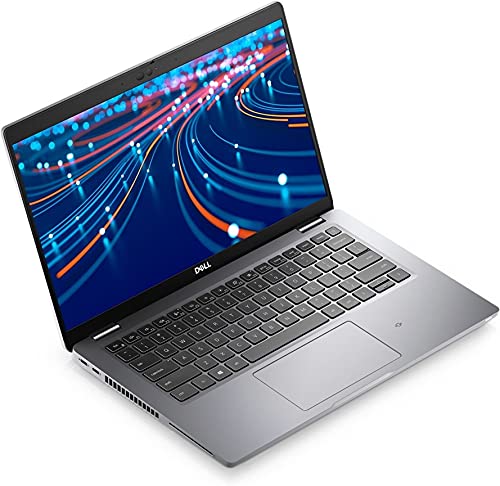 | LAPTOP Dell Latitude 5420 i5 11th 8GB 256GB Screen (Refurbished) ₹110000 Dell Latitude 5420 – Intel Core i5 11th Gen | 16GB RAM | 512GB SSD | Touch Screen (Refurbished) Upgrade your productivity with the powerful and sleek... View product → |
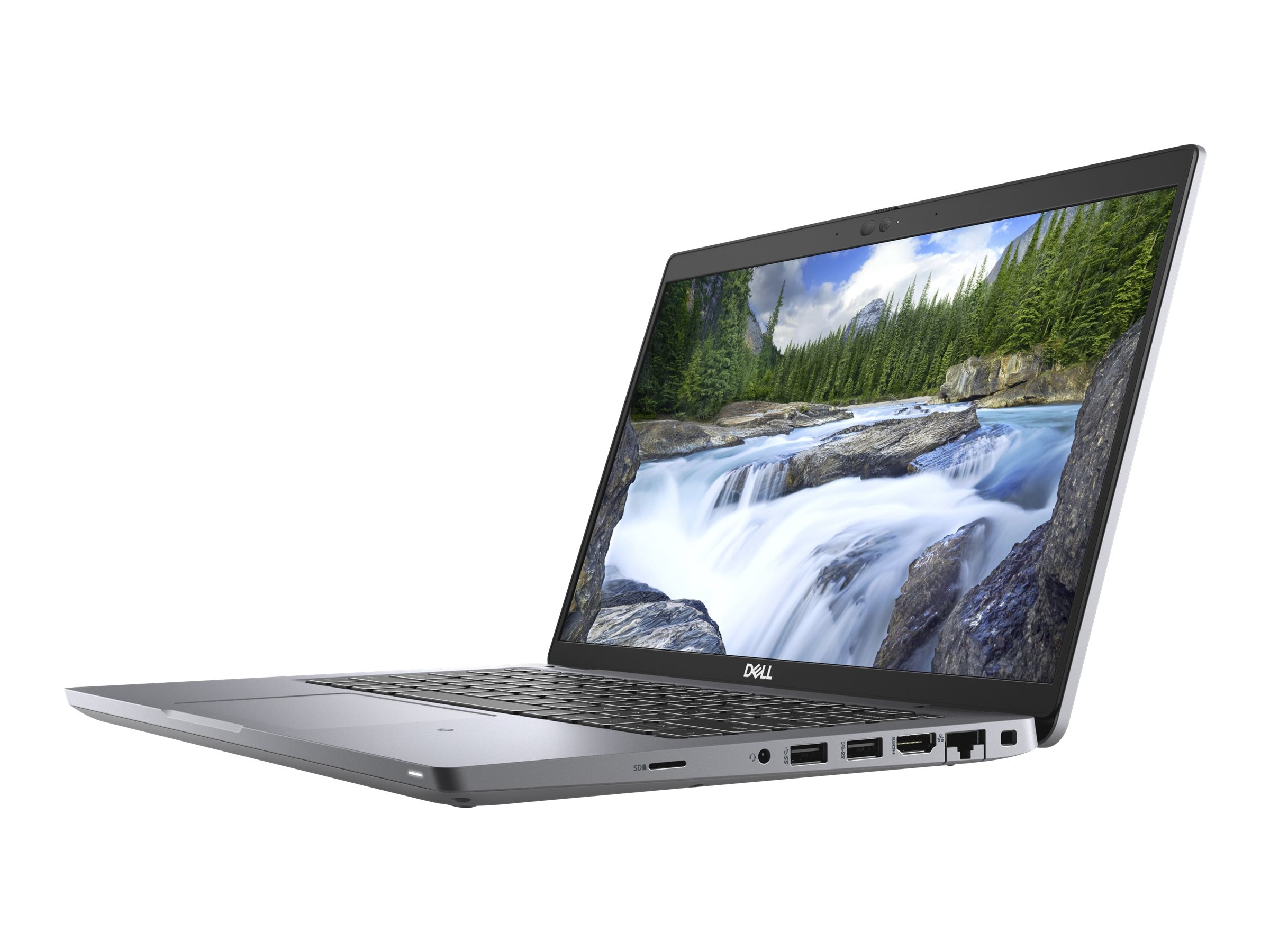 | LAPTOP DELL LATITUDE 5420 TOUCH I7 11TH GEN 8GB 256GB SSD ₹136999 🔥 **Refurbished Dell Latitude 5420 – High-Performance Business Laptop at the Best Price!** 💻 Upgrade to the Refurbished Dell Latitude 5420, a... View product → |
Frequently asked questions
Which Latitude 5420 screen configuration are you actually buying?
Confirm the 14-inch panel’s resolution, panel type, brightness, viewing angles, finish, colour coverage and refresh rate. The common resolutions are 1366×768 HD and 1920×1080 Full HD.
Is the Latitude 5420 touch display worth choosing for your work?
Choose touch when you annotate documents, use tablet-style interaction or work with on-screen controls. A non-touch matte Full HD panel suits keyboard-heavy office work and avoids paying for touch features you will not use.
How do you test a refurbished Latitude 5420 display before accepting it?
Open white, black, red, green and blue test screens, inspect for dead or stuck pixels, check brightness uniformity, test viewing angles and verify touch response across the panel when touch is included.
When is a screen replacement compatible with the 5420?
Match the replacement’s resolution, connector, mounting points, panel size, finish and touch hardware to the original configuration. A 14-inch panel is not automatically compatible.
What should a Delhi quotation and warranty state?
Ask the quotation to state the exact resolution, touch status, panel condition, included parts, testing process, replacement terms, warranty duration and exclusions.
Keywords