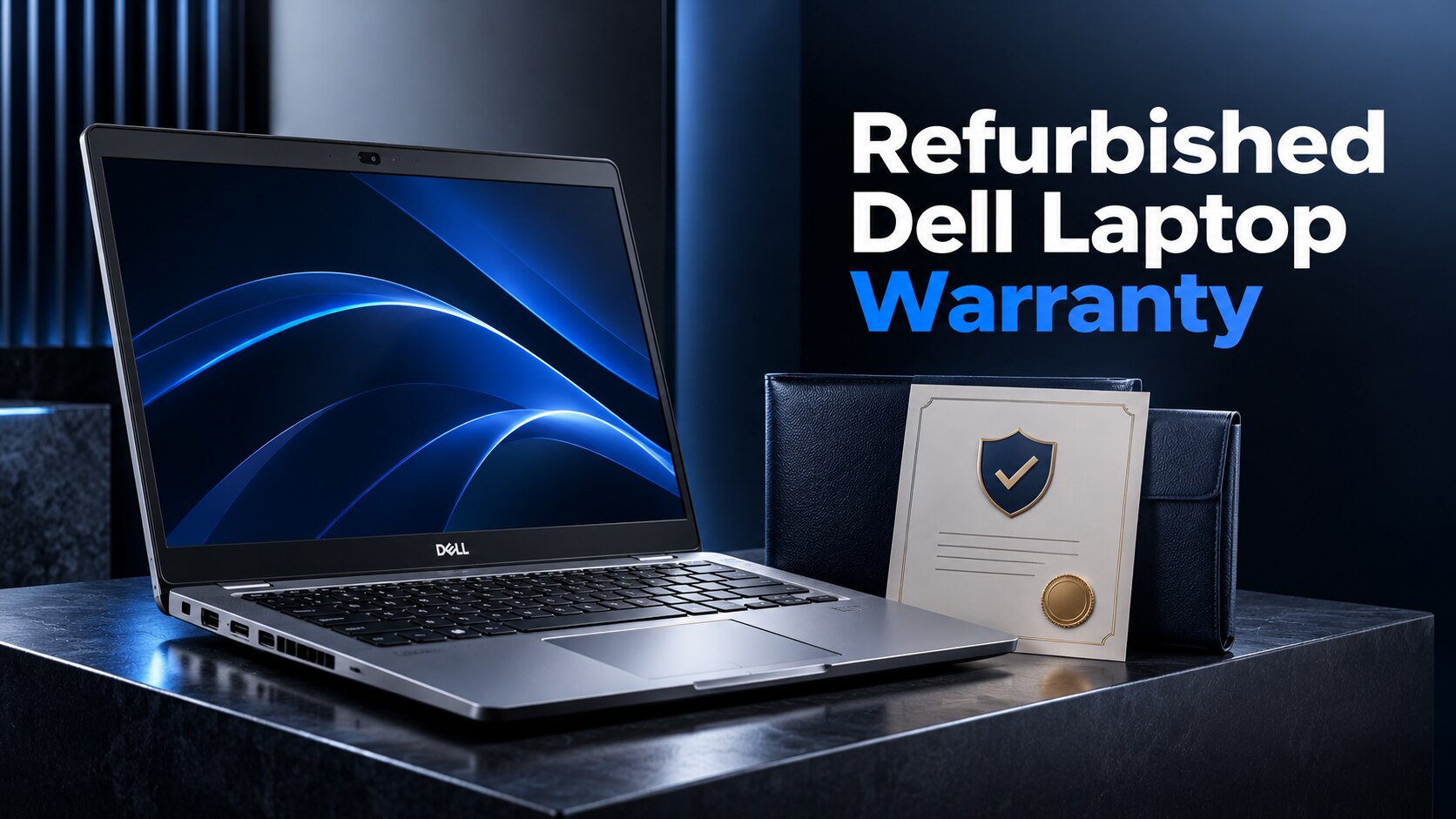
A credible warranty for a refurbished Dell business laptop must define its duration, hardware scope, battery standard, exclusions, claim process, and remedy. By comparing those details with the individual Dell Service Tag and the seller’s written terms, you can separate meaningful protection from a short return window or vague “tested” promise.
Key takeaways
- Demand a 12-month warranty with written start and expiry dates.
- Confirm the entire laptop is covered and check the separate battery standard.
- Get dead-on-arrival rules, remedies, exclusions and claim contacts in writing.
- Verify Dell coverage and keep the invoice, serial number and warranty document.
Start with a 12-month, clearly dated warranty
A refurbished Dell business laptop should include a 12-month parts-and-labour warranty at minimum, with start and expiry dates written on the invoice or warranty document. Coverage should begin on delivery, not an unclear “activation” date.
A 30-, 60-, or 90-day promise is too short for intermittent charging, thermal shutdown, hinge failure, or SSD errors to appear.
Before paying, confirm these warranty details in writing:
- The covered laptop’s Service Tag, exact model, and warranty expiry date
- Whether the provider is Dell, the refurbisher, or both
- Whether parts, labour, return shipping, and diagnosis are included
- Whether a replacement must match the original CPU, RAM, SSD, display resolution, operating-system licence, charger, and cosmetic grade
A Dell Latitude 5420 can have no remaining Dell factory warranty despite its business-class model name. Check its individual Service Tag on Dell’s warranty-status page; do not infer coverage from the model name or original purchase date. A refurbisher’s promise is a separate obligation from Dell’s original limited hardware warranty, ProSupport, or onsite service.
The search phrase “dell latitude warranty refurbished” does not itself establish protection. The listing must state the 12-month term, the delivery-based start date, the responsible provider, and the remedy if a covered fault appears. A replacement with lower specifications is not equivalent unless the written terms define an equivalent configuration.
Cover the complete laptop, with a separate battery standard
A warranty for a Dell Latitude 5420 should cover the whole working system, not just the motherboard.
For a listing described as refurbished business laptops with warranty Dell Latitude 5420, require the seller to identify the exact CPU, RAM, SSD, screen, operating-system licence, charger and cosmetic grade; a lower-spec replacement is not an equivalent remedy unless the written terms say so.
System coverage should include:
- Motherboard, processor, RAM, SSD and cooling fan
- Display panel, touchscreen digitizer if fitted, hinges, keyboard and touchpad
- USB, HDMI, audio and charging ports
- Webcam, speakers, Wi-Fi and Bluetooth
- Battery charging circuitry and the supplied Dell-compatible charger
| Coverage area | Warranty should cover | Faults that should qualify |
|---|---|---|
| Laptop hardware | Internal and external components listed above | Failure, intermittent operation, thermal shutdown, display failure, SSD errors or charging failure during ordinary business use |
| Battery | A stated minimum, such as 80% of original design capacity at delivery, plus a defined test method | Failure to charge, sudden shutdown, severe capacity loss, battery swelling or inability to meet the stated runtime |
| Charger | The supplied charger and its cable | No output, intermittent charging or connector failure |
Treating the battery as a consumable does not justify excluding every battery fault. The policy should cover defective batteries, state whether normal capacity decline is excluded, and provide replacement when the stated threshold is breached.
Dell’s factory warranty, ProSupport or onsite service is separate from the refurbisher’s promise, so the document must name the responsible provider.
Define exclusions, dead-on-arrival rules, and the remedy
The written warranty should state that ordinary business use is covered and refurbished condition does not remove protection against functional defects. It should identify a dead-on-arrival window, such as seven calendar days from delivery, and define “dead” as failure to power on, boot, charge, display an image, or complete basic diagnostics.
The buyer should receive prepaid return instructions and a repair, equivalent replacement, or refund.
The exclusions should be specific:
- Liquid damage, impact, cracked screens, and accidental damage
- Unauthorized opening, repair, modification, or parts installation
- Malware, operating-system changes, and damage caused by unsupported software
- Scratches, dents, worn keycaps, cosmetic-grade defects, and misuse
- Normal battery-capacity loss below the stated battery standard
Battery wording must separate ordinary degradation from a fault. State the minimum health percentage or runtime at delivery, whether replacement is included, and that a battery that will not charge, overheats, or is swollen is covered as a hardware or safety failure.
A replacement is equivalent only when it matches the listed CPU, RAM, SSD capacity, screen resolution, operating-system license, charger, battery standard, and cosmetic grade. The terms should also state whether shipping costs are covered, how long repair takes, and what happens if repair or replacement fails.
“As-is” must not exclude functional defects in refurbished business laptops with warranty.
Make the claim route and NCR service geography explicit
Open the claim through the party named on the warranty document, not automatically through Dell. Ask for a claim email address, phone number, physical service address, response time, and a written statement of who pays for pickup or courier service.
For business laptop warranty NCR coverage, “NCR” must mean the National Capital Region and specify whether service is available in Delhi, Noida, Gurugram, and Ghaziabad. “Nationwide warranty” is not enough; it must explain the actual route.
- Send the invoice, warranty certificate, laptop Service Tag, serial number, purchase date, and a short description of the fault.
- Request a claim or ticket number before shipping the laptop.
- Photograph the Service Tag, device condition, charger, and packaging before dispatch.
- Use the seller’s stated pickup, courier, or authorised Dell service route; do not send the machine to an unlisted address.
- Ask who pays freight when the fault is accepted and who pays if testing finds an exclusion.
- Keep the courier receipt, tracking record, diagnostic report, and all email or WhatsApp messages.
For claims elsewhere in India, the seller should name the service centre or provide insured two-way courier instructions. If a motherboard swap changes the Service Tag, require the seller to record the replacement serial number on the claim record.
A refurbished seller’s warranty is separate from Dell’s original warranty. Dell coverage, if any, is checked using the individual Service Tag on Dell Support, not the Latitude model name. For a purchase from Digidivine IT Solutions, ask which party receives the claim and whether NCR pickup differs from service in another Indian state.
Related products
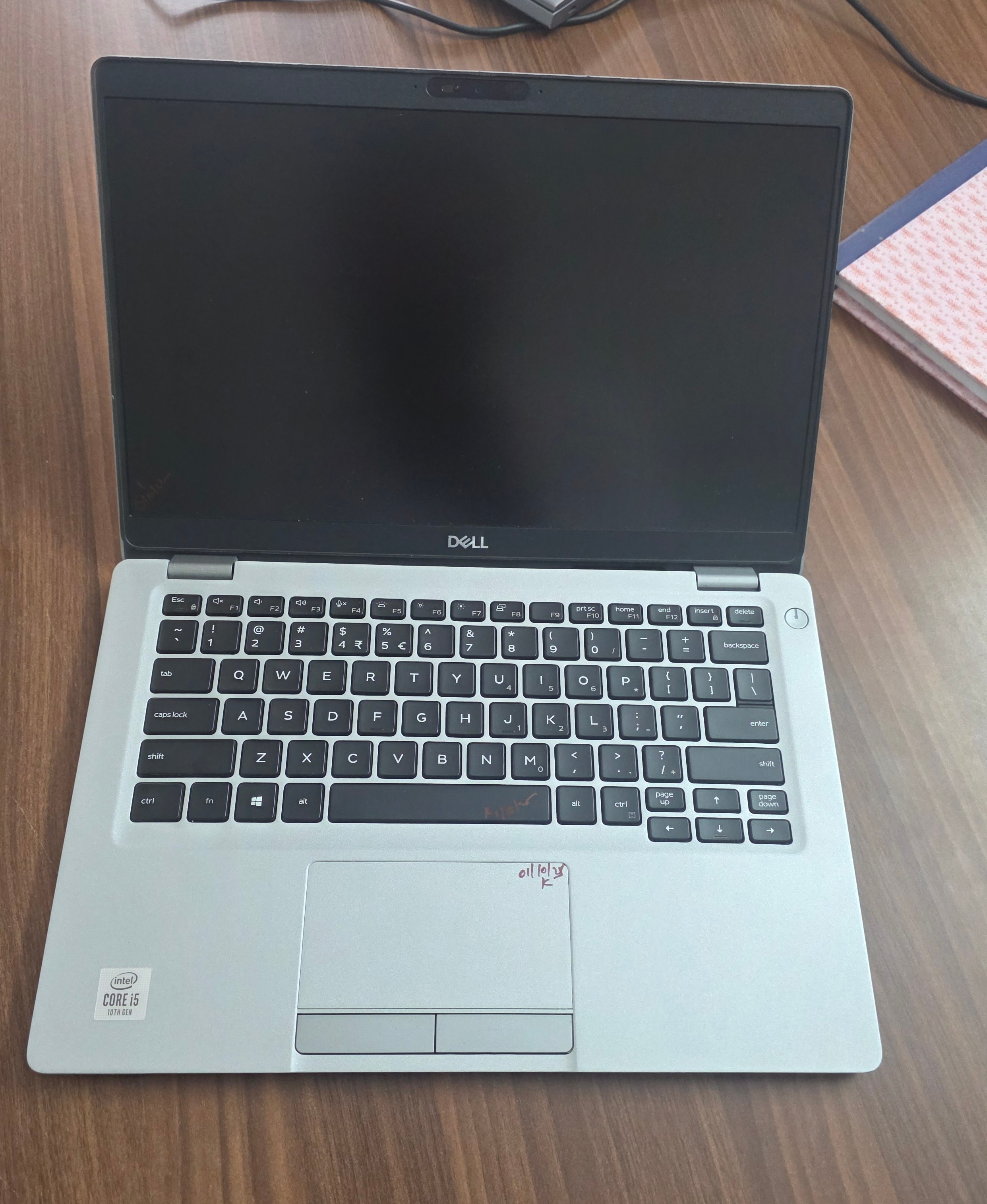 | Laptop Dell Latitude 5310 Touch i5 10th Gen 16GB RAM 256GB SSD (Refurbished) ₹99999 Upgrade your work experience with the Dell Latitude 5310 Touch Refurbished Laptop, a reliable and powerful machine from Dell’s premium Latitude... View product → |
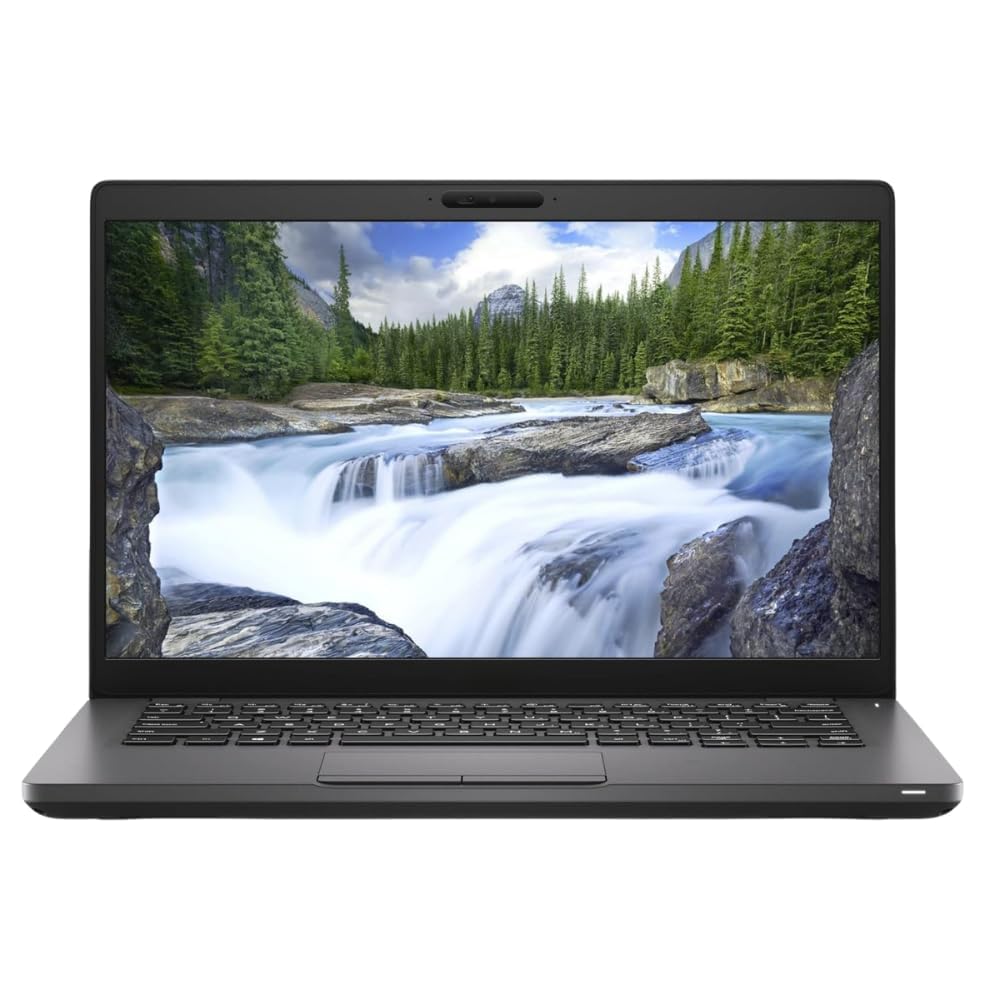 | LAPTOP DELL LATITUDE 5400 I5 8TH GEN 16GB RAM 512GB SSD 14 INCH HD ₹89999 The Dell Latitude 5400 (Refurbished) is a powerful and reliable business laptop designed for professionals who value performance, durability, and... View product → |
Verify Dell coverage and preserve proof before you buy
A Dell Latitude 5420 can have no remaining factory coverage despite its business-class model. Check the individual Service Tag; do not infer responsibility from the model name, purchase date, or phrases such as “dell latitude warranty refurbished.”
1. Find the Service Tag on the base label, BIOS screen, or Dell SupportAssist, then enter it on Dell’s warranty-status page before paying. Record the displayed warranty type, expiry date, and service level. Active Dell Limited Hardware Warranty, ProSupport, or onsite service points to Dell, subject to its transfer rules.
2. Ask the seller to state in writing whether the promised cover comes from Dell, the refurbisher, or both. If Dell coverage has expired, the refurbisher is responsible for its own warranty. Request the claim email, physical return address, service geography, and who pays shipping; “nationwide warranty” does not identify the actual claim route.
3. Save the listing, invoice, warranty document, Service Tag, status-page screenshot, payment record, and delivery photos. For a listing titled “refurbished business laptops with warranty Dell Latitude 5420,” preserve the promised CPU, RAM, SSD, display, operating-system licence, charger, battery condition, and cosmetic grade.
4. Confirm that a replacement must match or exceed that configuration, not merely carry the Latitude 5420 name. Ask whether the written terms cover battery failure, swollen batteries, and capacity thresholds separately from ordinary wear.
If Dell’s page shows expired coverage and the seller will not identify its own written warranty or claim address, treat the laptop as having no verifiable warranty.
Frequently asked questions
How long should a refurbished Dell business laptop warranty last?
Request at least 12 months of parts-and-labour coverage, with the start and expiry dates written on the invoice or warranty document. Coverage should begin on delivery.
Should the warranty cover the battery separately?
The warranty should cover the complete laptop and state a separate battery standard, such as the minimum battery health or runtime covered.
What should the warranty say about dead-on-arrival laptops?
It should define the dead-on-arrival period, identify qualifying faults, state who pays return shipping and specify whether the remedy is repair, replacement or refund.
How do I claim a refurbished Dell laptop warranty in NCR?
Check the claim email address, phone number, required documents, collection or drop-off process and whether service covers Delhi, Noida, Gurugram and Ghaziabad.
How can I verify Dell warranty coverage before buying refurbished?
Ask for the Dell service tag, check it on Dell Support, compare the result with the seller’s written warranty and preserve the invoice and serial-number records.
Related products
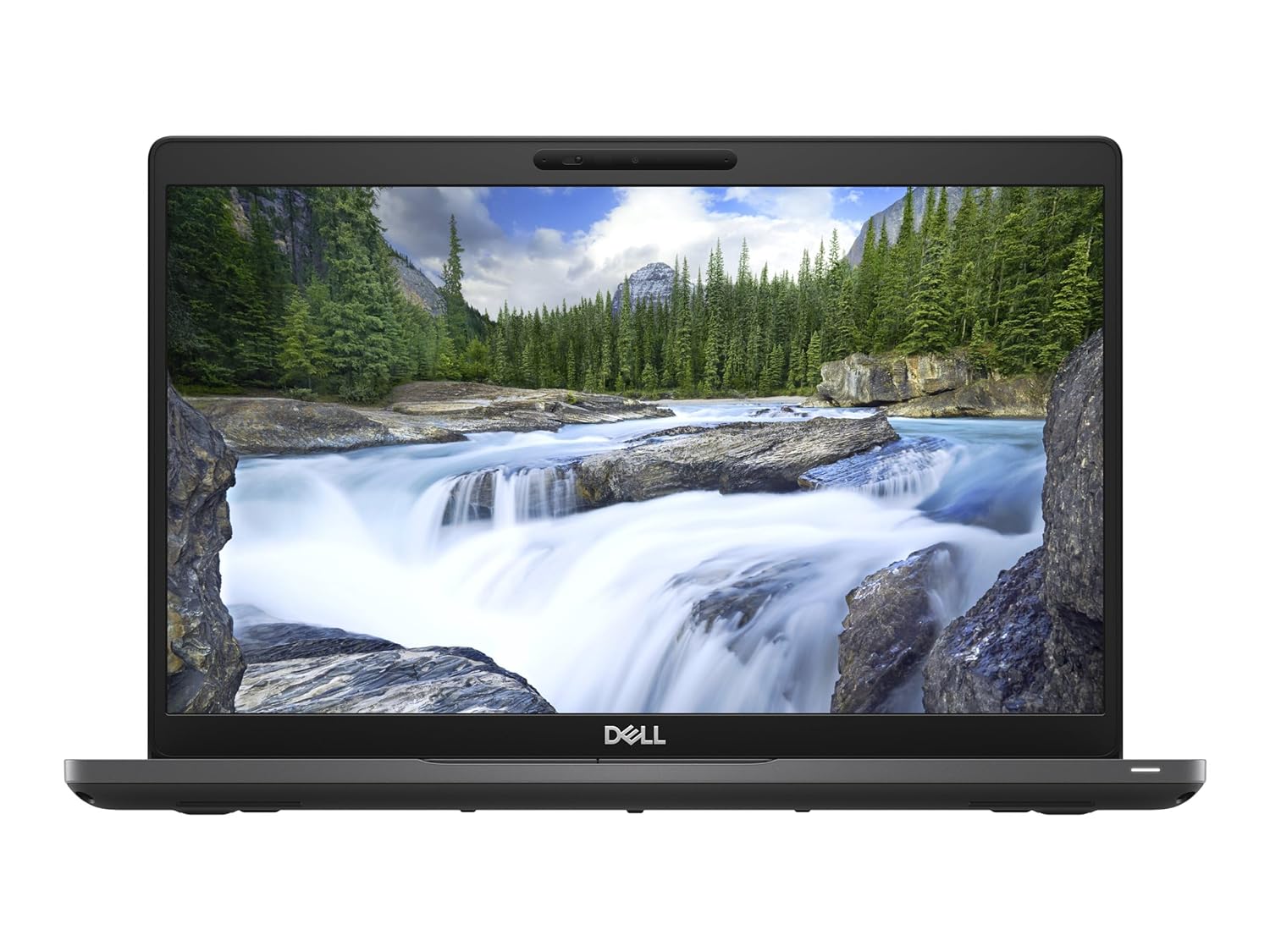 | LAPTOP Dell Latitude 5490 i5 8th Gen 8GB 256GB SSD 14 inch (Refurbished) ₹55000 The Dell Latitude 5490 is a reliable, business-oriented laptop with the following key specifications: Screen Size: 14 inches with an anti-glare... View product → |
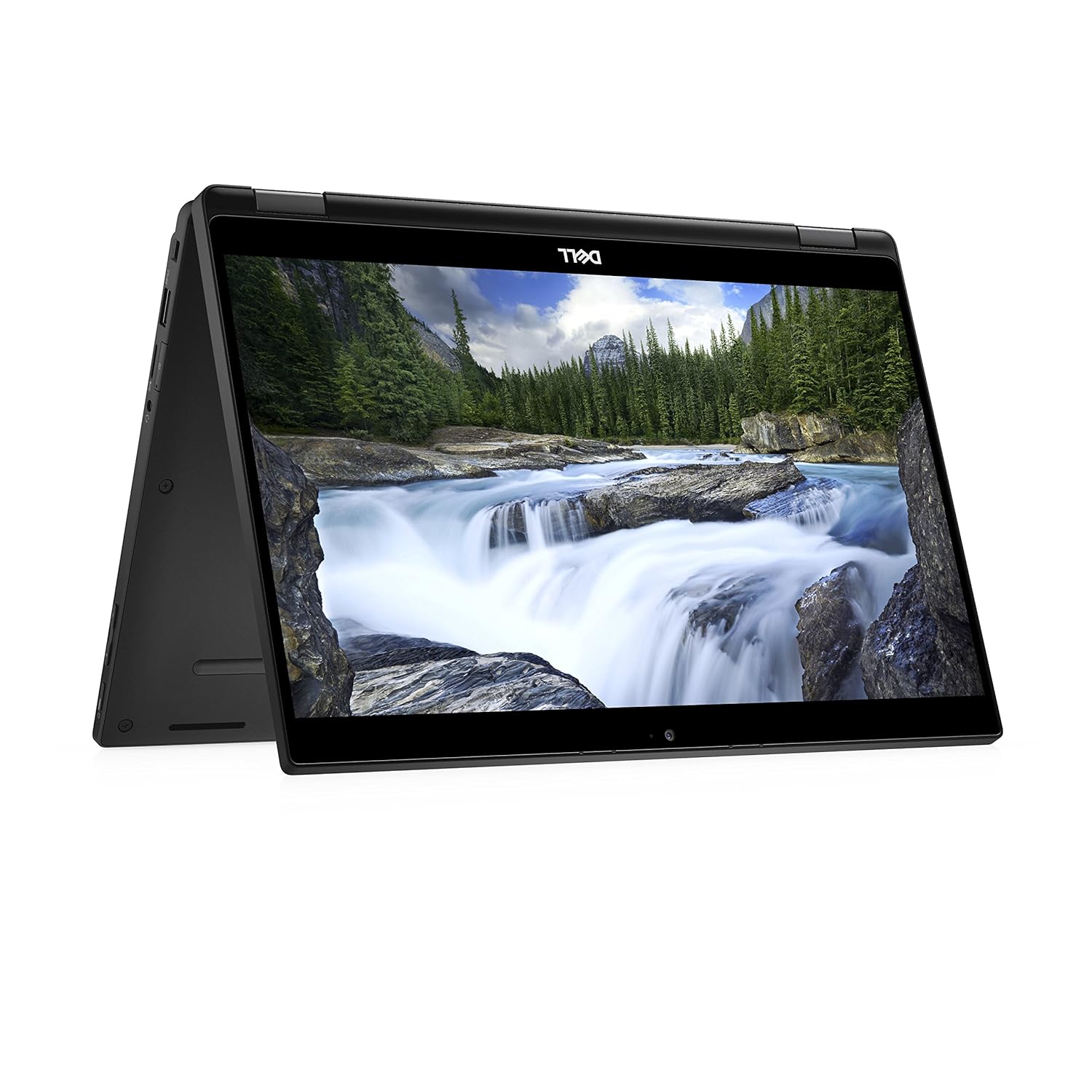 | LAPTOP DELL LATITUDE 7390 2 IN 1 LAPTOP I7 8TH GEN 16GB 256GB SSD (REFURBISHED) ₹79000 The Dell Latitude 7390 2-in-1 Laptop (Refurbished) is a premium, lightweight device perfect for professionals. View product → |
 | LAPTOP DELL LATITUDE 7470 i5 6th Gen 8GB 256GB SSD 14 inch Laptop (Refurbished) ₹36000 The DELL LATITUDE 7470 is a powerful and reliable 14-inch business laptop designed to meet the demands of modern professionals. View product → |
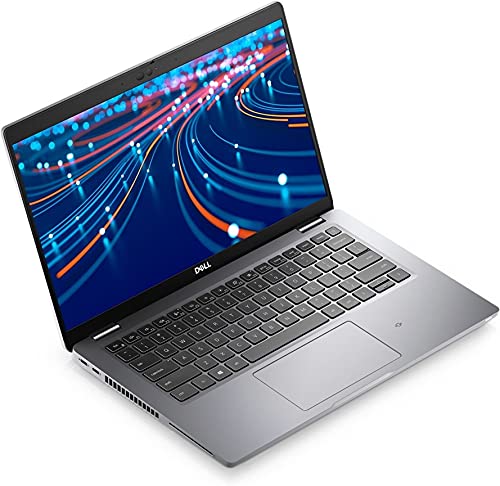 | LAPTOP Dell Latitude 5420 i5 11th 8GB 256GB Screen (Refurbished) ₹110000 Dell Latitude 5420 – Intel Core i5 11th Gen | 16GB RAM | 512GB SSD | Touch Screen (Refurbished) Upgrade your productivity with the powerful and sleek... View product → |
Keywords